
Prioritization Games - Product Box
In Brief
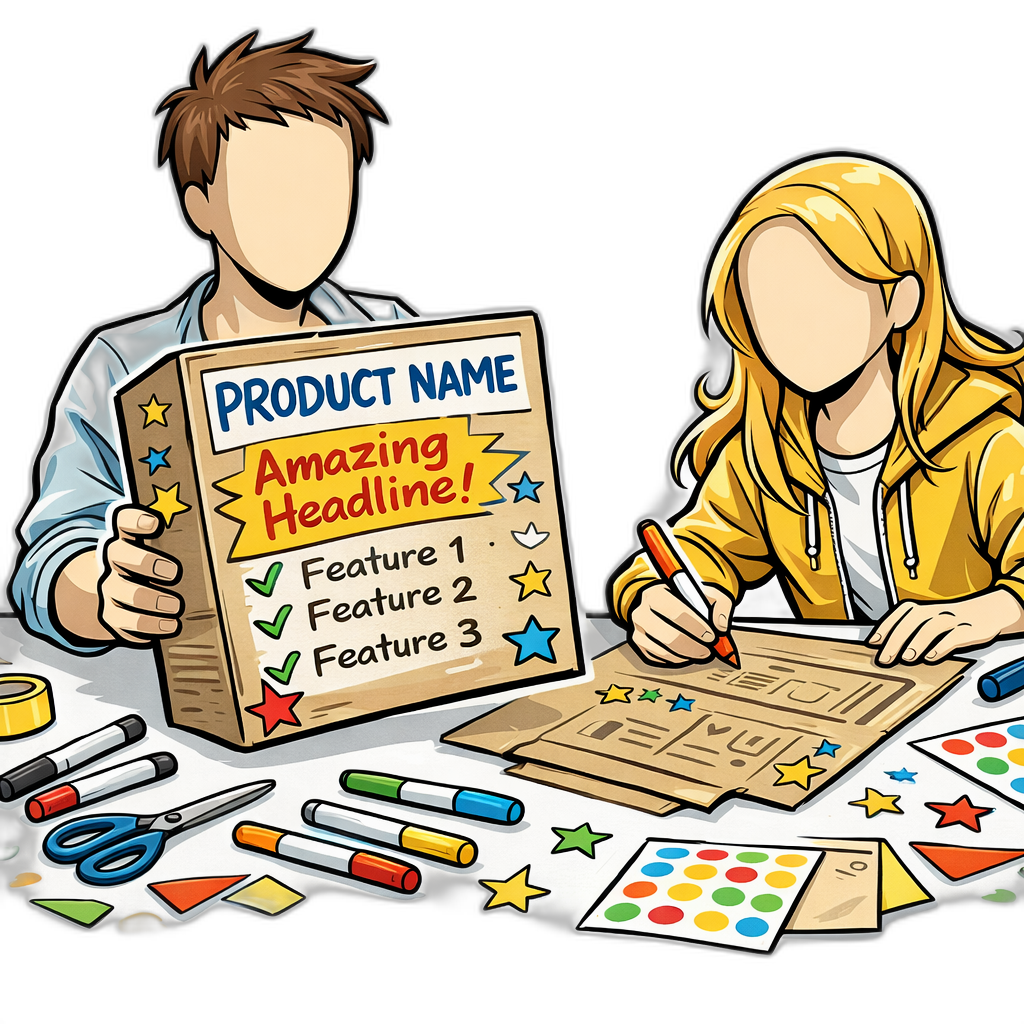
Product Box is an Innovation Game developed by Luke Hohmann where participants design the retail packaging for their ideal version of your product. Using a blank cardboard box and a tableful of craft supplies — colored markers, crayons, glitter glue, plain and colored paper, stickers — customers create a box they would want to buy off a shelf, complete with product name, key features, slogans, and imagery. The exercise is uniquely generative: rather than reacting to your ideas, customers create and articulate what they want in their own words and visual language.
The critical step is the “sell it back” presentation, where each participant or small group pitches their box to the rest of the room as if selling it at a tradeshow or supermarket aisle. This presentation forces participants to prioritize their messaging and reveals which features they consider compelling enough to put on the front of the box versus the back, or to leave off entirely.
Common Use Case
You have a product concept or category, and you’ve talked to customers enough to know there is a real problem worth solving. What you do not yet know is which capabilities they would actually put on the front of the box if they were buying it — versus which ones your team is over-emphasizing internally. You have access to four to eight target customers for a couple of hours and a budget for craft supplies. The output is a set of customer-designed boxes plus the language, imagery, and feature priorities that emerge across them.
Helps Answer
- What features do customers find most compelling?
- How do customers describe the product’s value in their own words?
- What aspirational outcomes do customers associate with the product?
- What messaging and positioning resonates most?
- What would customers put on the “front of the box” versus the fine print?
Description
Product Box works because it shifts participants from the role of critic to the role of creator. In most research methods, customers react to what you show them. In Product Box, they build what they want. This generative quality is rooted in the older projective-technique tradition in marketing and consumer-product research, which assumes that what customers craft and sketch reveals motivations they will not articulate in a direct interview. The output produces insights that no amount of surveying or interviewing can replicate — customers surface features, messaging, and value propositions that the product team never considered.
The physical, hands-on nature of the exercise also lowers social barriers. Participants who might be quiet in a focus group become animated when cutting out paper, picking stickers, and arguing about what goes on the front of the box. The playfulness of the format makes it safe to express bold or unusual ideas. Hohmann frames the metaphor explicitly: the aisles of supermarkets around the world are filled with colorful product boxes competing for attention, and asking customers to imagine their box on that shelf — or at a tradeshow, retail outlet, or public market — taps a mental model they already use as shoppers.
The “Sell It Back” Step
The presentation step is not optional. When participants must pitch their box to the group, they are forced to make final prioritization decisions: which features lead the pitch, which are mentioned in passing, and which are dropped entirely. The questions and reactions from the audience add another layer of insight.
Hohmann is explicit about the staging: try to make certain that customers are standing up and that the facilitator is sitting down while they present their box. The role reversal matters — the customer is selling the imagined product to you, so the customer takes the presenter’s posture and you take the audience’s. Watch for:
- Which features appear on the front of the box (highest priority).
- Which features are on the back or sides (supporting).
- What language and metaphors participants use to describe value.
- What pricing they suggest, if included on the box.
- What aspirational outcomes they depict through images.
How to
Prep
1. Recruit four to eight target customers.
Recruit from the segment you are actually trying to serve. Mixing segments produces noise — participants from different segments want different things on the front of the box, and you will not be able to tell whether a recurring feature reflects a real priority or a single dominant participant. If you have access to more than eight customers, run two sessions in parallel rather than one large one.
2. Gather the materials.
Hohmann’s standard kit, listed on his site, includes a blank white cardboard product box per participant or small group, colored markers, crayons, colored pencils and pens, glitter glue, plain and colored paper, and stickers — including word stickers like “New” or “Exciting” alongside stars and decorative images. Set out two or three sample product boxes per table for reference so participants have a baseline mental model of what a finished box looks like, and cover each table with butcher paper so the table itself becomes part of the working surface.
3. Set up the room.
Arrange tables so participants can work individually or in groups of two to three, with enough room to lay supplies out and walk around the box as they build. Place the sample boxes and craft supplies within reach. If you need participants to work without copying each other during construction, position the tables so participants cannot easily see neighboring boxes — but keep the room open enough that the sell-it-back presentations can happen with everyone watching.
4. Decide on the framing you will use.
You will introduce the exercise with a metaphor. Hohmann offers two: the supermarket shelf (“imagine this product on the shelf at your favorite store”) and the tradeshow, retail outlet, or public market (“imagine this product at a tradeshow booth”). Pick whichever fits your category better and stick to it.
Execution
1. Set the context with the metaphor, not the feature list.
Open the session with the metaphor you chose in Prep — the supermarket shelf or the tradeshow booth. Briefly describe the product concept or category. Do not describe specific features. The goal is to learn what participants want, not to validate your feature list. Say something like: “Imagine this product is on a store shelf next to the others you already buy. Design the box that would make you want to pick it up and take it home.”
2. Let them build.
Hohmann’s site gives the timing explicitly: allow about thirty to forty-five minutes for participants to design their boxes. Circulate and observe but do not guide or suggest. If asked what to include, say “whatever would make you want to buy it.” Take notes on which supplies participants reach for, who works individually versus collaboratively, and what they pause on.
3. Run the sell-it-back, customer standing.
Have each participant or small group present their box to the room. Hohmann’s site recommends five to ten minutes per box for selling. The staging is part of the method: try to make certain that the customer is standing up and that you, the facilitator, are sitting down while they present. The customer is selling the imagined product to you, so they take the presenter’s posture and you take the audience’s. Encourage other participants to ask questions as buyers, not as critics.
4. Facilitate a closing discussion.
After all presentations, lead a short group discussion about common themes, surprising ideas, and disagreements. Useful prompts:
- “What did you see on other boxes that you wish you had included on yours?”
- “What was the hardest decision about what to put on the front?”
- “What did you decide to leave off entirely, and why?”
5. Document everything.
Photograph every box from all sides. Record the presentations with consent. Note key quotes, recurring themes, and any features or claims that appeared on multiple boxes.
Analysis
Analyze the boxes across multiple dimensions:
- Frequency. Which features or messages appeared on the most boxes? These are likely core value propositions, especially when they show up across multiple participants who did not see each other’s work.
- Placement. Features on the front of the box are what customers consider the primary selling point. Back-of-box features are supporting. Side-of-box and fine-print details are nice-to-haves.
- Aspirational language. The slogans and imagery customers choose reveal the outcomes they care about, which may differ from the features they list. A box that puts “weekends back” on the front is selling a different value proposition than one that puts “20 integrations” on the front, even if the feature set is identical.
- Pricing signals. If participants include pricing on their boxes, note the range and how they frame it (one-time purchase, subscription, premium versus budget positioning).
- Sticker patterns. Where participants used pre-made word stickers like “New” or “Exciting,” note which features earned the sticker. The unprompted decision to mark a capability as “new” or “exciting” is a signal independent of the descriptive copy.
- Surprises. Features or messages that you did not anticipate are the most valuable findings. These represent unmet needs or positioning angles your team has not explored. Compare them against your current roadmap and marketing copy — gaps are where to dig next.
- Craft skill variance Some participants are more comfortable with arts and crafts than others. Emphasize at the start that artistic quality does not matter — it is the ideas that count. Provide pre-made word and image stickers so less-confident drawers can still express specific features.
- Group influence If participants can see each other’s boxes during construction, they may copy ideas. Position tables so neighboring boxes are not in direct sight, or use simple dividers during the build phase. Bring the group back together for the sell-it-back.
- Feature anchoring If you describe the product too specifically in the introduction, participants may limit themselves to features you mentioned. Keep the brief broad and stick to the metaphor (supermarket shelf or tradeshow booth) rather than a feature pitch.
- Selection bias The exercise appeals to creative, expressive participants. Quieter or more analytical customers may be underrepresented. Pair them with a more outgoing partner in small-group formats, and weight the analysis by what shows up across multiple boxes rather than what the most expressive participant emphasized.
- Facilitator-stance bias If the facilitator stands during the sell-it-back, the customer subconsciously shifts into “answering an authority” mode rather than “selling to a buyer” mode. Hohmann is explicit on this: customer stands, facilitator sits.
Learn more
Case Studies
Qualcomm Wireless Business Solutions
In 2003, Qualcomm engaged Luke Hohmann to run Product Box (and Speedboat) workshops with the company’s trucking-fleet customers. Customers’ product-box designs surfaced strong demand for a server-based way to interpret SensorTRACS performance data, which informed the feature set and positioning of Qualcomm’s DataVisor business intelligence platform — launched in June 2006 for transportation and logistics fleets. Qualcomm executive Joan Waltman coined the term “Innovation Games” for the techniques after seeing the workshops work. (corroborated by the DataVisor launch announcement, Commercial Carrier Journal, 2006)
Further reading
- Hohmann, Luke. Innovation Games: Creating Breakthrough Products Through Collaborative Play. Addison-Wesley, 2006. The primary source for Product Box, including the sell-it-back step, the supermarket-shelf framing, and the role-reversal staging during presentations. One of Hohmann’s twelve Innovation Games.
- Product Box — Luke Hohmann
- Innovation game — Wikipedia
Got something to add? Share with the community.